DCV on a Multimeter: What It Means & How to Use It
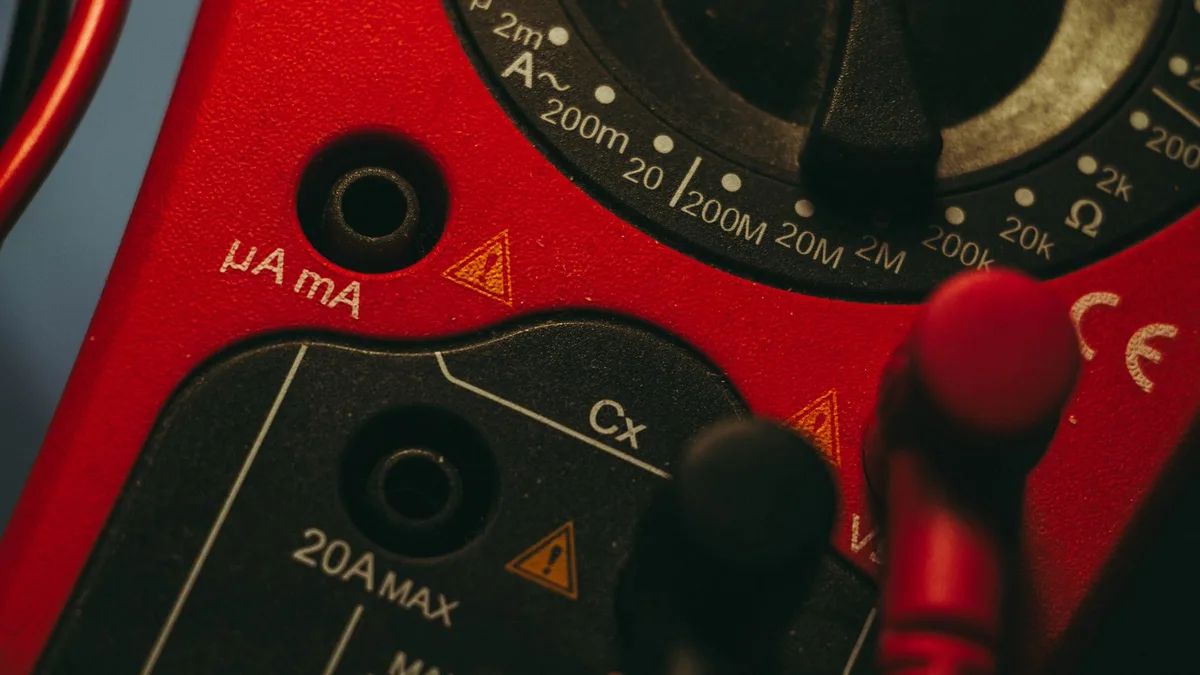
If you've ever stared at a cluttered dial wondering what does DCV mean on a multimeter, you're in good company. DCV stands for Direct Current Voltage. It's the setting you use to measure DC volts, the steady kind of power found in batteries, car electronics, and circuit boards.
A fully charged car battery sits around 12.6 volts DC, and DCV is how you read it. Handheld meters follow the IEC 61010 safety standard for jobs like this, and that hasn't changed as of 2026. Let's break down what that little "V" with a straight line above dashes is actually telling you.
Quick Answer
DCV means Direct Current Voltage on a multimeter. It measures voltage from DC sources like batteries. The symbol is a "V" with a solid line over a dashed line.
You'll also see it written as V⎓, V DC, or VDC. Use DCV for anything battery-powered, not for wall outlets.
What DCV Actually Means on a Multimeter
DCV is short for Direct Current Voltage. Direct current flows in one steady direction, from positive to negative. That's what batteries and most low-voltage electronics run on.
When you turn the dial to DCV, you're telling the meter to measure the electrical "pressure" of a DC source. Voltage is that pressure, measured in volts. Think of it like water pressure in a pipe, just with electrons instead of water.
So if you want to know whether a 9V battery still has life, or whether your car's alternator is charging, DCV is the setting. It reads the volts and shows them on the display. Simple as that.
Why the Dial Symbols Trip People Up
The dial packs a lot of tiny symbols into one small space. Makers use shorthand to save room, and that shorthand isn't obvious if nobody explains it. That's where most beginners get stuck.
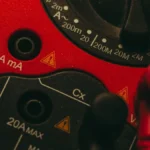
You'll see letters like DCV, ACV, DCA, and the omega symbol (Ω) for resistance. On budget meters, the same jobs get drawn as little pictures instead of words. A straight line and dashes mean DC.
A wavy line means AC.
Pick the wrong one and your reading makes no sense, or you get nothing at all. Guidance from equipment makers like Fluke is blunt about it: matching the setting to the source is the first rule of a clean measurement. Get the symbol right and half the confusion disappears.
How to Spot the DCV Setting (V⎓, V—, VDC)
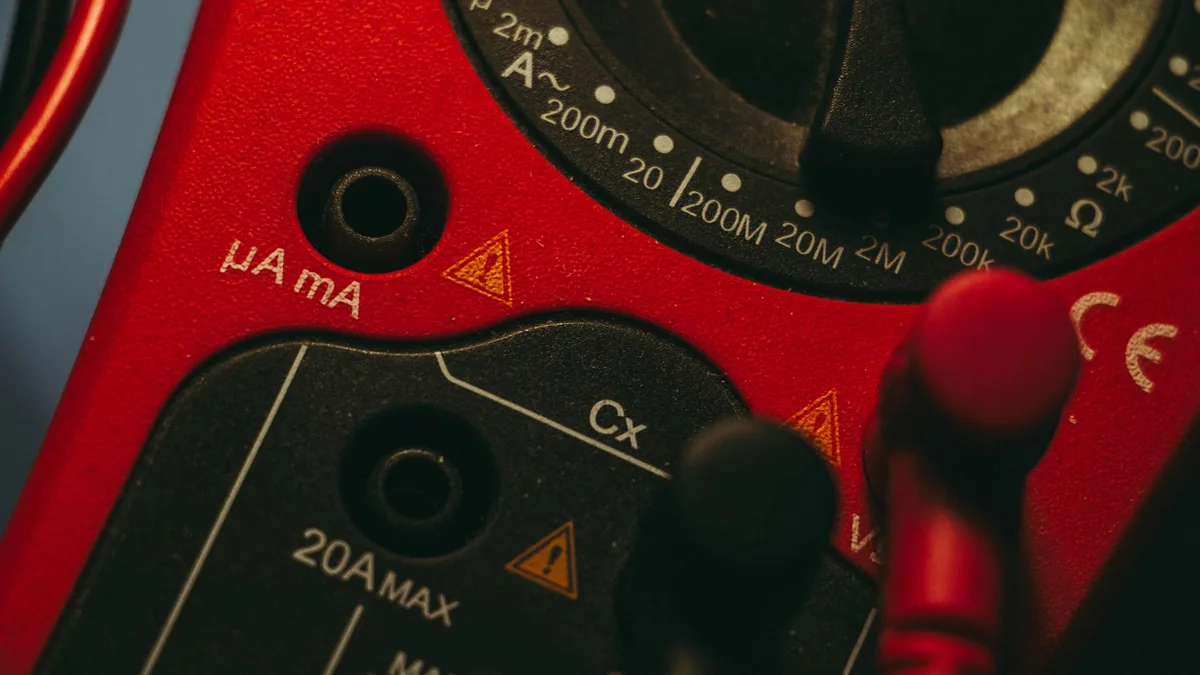
Look for a "V" paired with a solid line sitting above a row of small dashes. That combo is the universal mark for DC voltage. On text-based meters, it's simply printed as DCV, VDC, or V DC.
DCV vs. ACV: The Straight Line vs. the Wavy Line
Here's the fastest way to tell them apart:
- DCV uses a straight line over dashes (⎓). It's for batteries, cars, USB, and DC adapters.
- ACV uses a wavy line (∿). It's for wall outlets and household mains power.
Never measure a wall socket on DCV. And never test a battery on ACV. The reading will be wrong, and mixing them up on high voltage is genuinely dangerous.
Where DCV Sits Next to OHM and DCA
On most dials, the DCV positions cluster on one side, marked with a "V" and those dashes. Right next to them you'll find:
- OHM (Ω) for resistance and continuity.
- DCA or A⎓ for direct current amps.
- ACV for alternating voltage.
DCV and DCA look almost identical, so double-check. One reads volts, the other reads current, and they need different probe setups.
Reading the Dial: Manual-Ranging Numbers Explained (200mV to 600V)
Manual-ranging meters print several numbers under the DCV label, like 200m, 2, 20, 200, and 600. Each one is the maximum voltage that setting can read. You pick the range that sits just above the voltage you expect.
Testing a 12V car battery? Choose the 20V range. It covers 12.6 volts with room to spare.
Set the range too low and the screen shows "OL" or a lone "1", meaning overload.
| DCV Range | Best For | Example Source |
|---|---|---|
| 200mV | Tiny signals | Sensor outputs |
| 2V | 1.5V cells | AA / AAA batteries |
| 20V | Car and 12V systems | Car battery, USB (5V) |
| 200V | Larger DC banks | Solar arrays, RV packs |
| 600V | High DC voltage | Industrial DC supplies |
Auto-ranging meters skip all this. You select DCV and the meter picks the range for you. If manual ranges still confuse you, our step-by-step 20V walkthrough clears it up fast.
Setting Up Your Probes and Jacks the Right Way
Before you measure anything, the probes need to sit in the correct ports. Get this wrong and you'll either read nothing or blow the internal fuse. It takes two seconds to check.
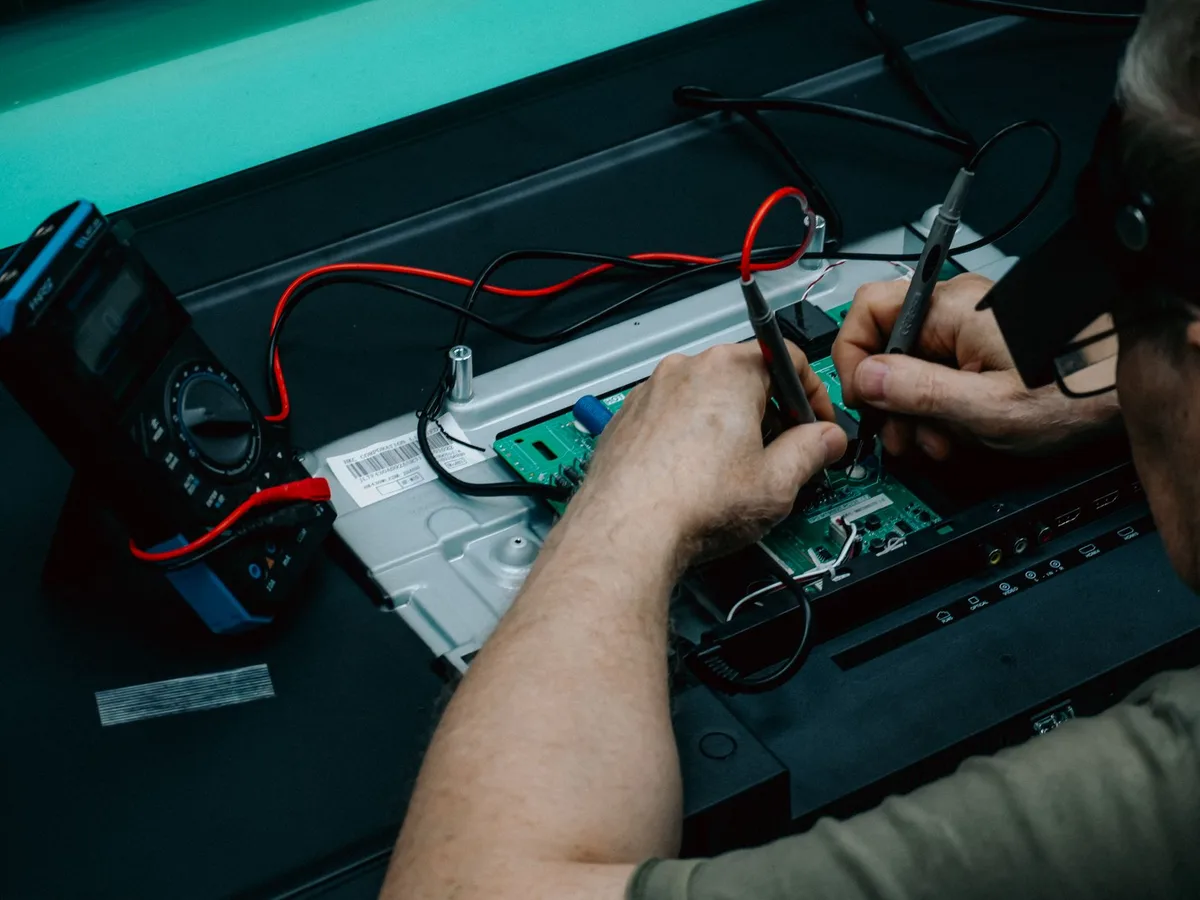
COM and VΩmA: Which Probe Goes Where
Most meters have three jacks. Here's the rule for DCV:
- Black probe goes into COM (common). This is your negative lead.
- Red probe goes into VΩmA. This handles volts, ohms, and small currents.
- Leave the 10A or 20A jack empty. That's only for measuring high current.
For DCV, you never touch the amp jack. Plug the red lead there and touch a battery, and you can pop the fuse instantly. Black in COM, red in VΩmA, every single time.
Step-by-Step: Measuring DC Voltage Safely
Once your probes are seated, measuring DC voltage takes under a minute. Follow these steps in order.
- Turn the dial to DCV (V⎓).
- On a manual meter, pick a range above your expected voltage. Use 20V for a car battery.
- Touch the red probe to the positive terminal.
- Touch the black probe to the negative terminal.
- Read the number on the display.
- Note the polarity. A minus sign means your probes are reversed.
- Turn the dial back to OFF when you're done.
A negative reading isn't a problem. It just means red and black are swapped. Flip them and the number turns positive.
For the full routine on a vehicle, testing a battery from start to finish covers the same flow with real terminals.
What Different DC Voltages Should Read
Knowing the number is only useful if you know what's normal. DC voltages vary by source, so keep a rough reference in your head.

Car Batteries, AA Cells, USB, and 9V Values
Here are the common readings you'll run into:
| Source | Healthy DCV Reading |
|---|---|
| AA / AAA alkaline | ~1.5V |
| 9V battery | ~9V |
| USB port | ~5V |
| Car battery (off) | 12.4V to 12.7V |
| Car battery (engine running) | 13.7V to 14.7V |
A car battery resting at 12.4 volts is holding roughly 75% charge, and what a 12.4-volt result really signals explains when to worry. With the engine on, the charging system pushes it higher, and the numbers you should see while it's running tell you if the alternator is doing its job.
Common DCV Mistakes That Give Wrong Readings
Most bad readings trace back to a handful of slip-ups. Watch for these:
- Leaving the dial on ACV, which gives a jumpy or zero reading on a DC source.
- Picking a range that's too low, which shows "OL".
- Red probe stuck in the amp jack, blowing the fuse.
- A weak internal meter battery faking a low reading.
- Loose or corroded probe contact on the terminal.
If your screen reads a flat zero on a battery you know is good, don't panic. Chasing down a zero-volt result usually points to a probe, fuse, or dial issue rather than a dead battery.
When You'd Use DCV in Real Life
DCV comes up far more often than people expect. Anytime a power source runs on batteries or a DC adapter, this is your setting.
Common real-world jobs include:
- Checking a car battery's charge before a cold morning.
- Testing AA, AAA, and 9V cells that feel dead.
- Verifying a DC power supply or laptop charger output.
- Diagnosing 12V systems in RVs, boats, and solar setups.
- Bench-testing Arduino and hobby electronics.
For cars, DCV helps separate a weak battery from a failing alternator. If the charging system is your suspect, narrowing down a battery-or-alternator fault leans entirely on DC voltage readings. Not sure which dial spot to use?
Choosing the right position for a car battery settles it.
DCV vs. Other Multimeter Settings at a Glance
DCV is one of four main jobs your meter does. Knowing how it differs keeps you from grabbing the wrong one.
| Setting | Measures | Symbol | Use It On |
|---|---|---|---|
| DCV | DC voltage | V⎓ | Batteries, cars, USB |
| ACV | AC voltage | V∿ | Wall outlets, mains |
| DCA | DC current | A⎓ | Draw testing, drains |
| OHM | Resistance | Ω | Wires, fuses, continuity |
The pair that trips people up most is DCV and ACV. Batteries always mean DCV. Household sockets always mean ACV.
Keep those two straight and you've dodged the biggest source of error.
Safety Ratings and Voltage Limits Worth Knowing
Every meter carries a category rating, printed as CAT I through CAT IV. Higher categories handle bigger voltage spikes safely. For basic battery and car work, a CAT II or CAT III meter is plenty.
A few habits keep you safe on DC:
- Never exceed the meter's rated input, often 600V or 1000V DC.
- Inspect probes for cracked insulation before use.
- Keep one hand off the circuit on higher voltages.
- Confirm the range covers your source before touching probes.
These practices trace back to the IEC 61010 standard, and the underlying voltage measurement science is maintained by the national metrology institute. Cheap unrated meters skip these protections, so buy one with a printed CAT rating.
Pro Tips for Faster, More Accurate DC Readings
A few small habits make DCV readings quicker and cleaner:
- Start on a higher range and step down for finer resolution.
- Let the number settle for a second before trusting it.
- Press probes firmly onto clean metal, not paint or rust.
- Replace the meter's own battery yearly to avoid drift.
- Store the dial on OFF so the leads don't drain the battery.
If your battery keeps testing low no matter what, the meter may be fine and the battery genuinely failing. Working through a battery that won't hold charge uses these same DCV readings to find the culprit.
Frequently Asked Questions
What is the difference between DCV and ACV?
DCV measures direct current voltage from batteries and DC adapters. ACV measures alternating current voltage from wall outlets and mains power. DCV uses a straight line over dashes, and ACV uses a wavy line.
Always match the setting to the source, or your reading will be wrong.
What DCV setting do I use for a 12V car battery?
Use the 20V DCV range on a manual meter. It sits just above a battery's 12.6 volts, giving you an accurate reading with headroom. Auto-ranging meters need no range choice, just select DCV.
Anything lower than 20V will show "OL" or overload.
What does the V with a line and dashes mean?
That symbol means DC voltage, the same as DCV. The solid line represents steady direct current, and the dashes reinforce it. You'll find it on batteries, USB ports, and car systems.
It's the opposite of the wavy line, which stands for AC voltage.
Why does my multimeter show a negative DCV reading?
A negative reading means your probes are reversed. The red probe is on the negative terminal and black is on positive. The number itself is still correct, just flipped in sign.
Swap the two probes and the reading turns positive. It causes no damage.
Can DCV damage my multimeter?
DCV itself won't harm the meter if you stay within its rated limits. Damage usually happens from leaving the red probe in the amp jack, or exceeding the voltage rating. Keep the red lead in the VΩmA port for voltage.
Check the CAT rating before high-voltage work.

Similar Posts