How to Reset the Oil Life Light: Simple Step-by-Step Guide
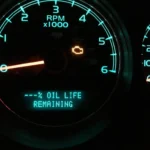
That little wrench or "Oil Life" message on your dash doesn't clear itself, even after a perfectly good oil change. Knowing how to reset the oil life light saves you a trip to the dealer and stops the reminder from throwing off your next service interval. The steps aren't hard.
They're just different for every make.
As of 2026, most vehicles use a percentage-based oil life monitor that trips a warning at 15% remaining. That's per manufacturer specifications from GM, Honda, Ford, and Toyota. Older cars stick to a fixed mileage counter, usually 5,000 or 7,500 miles between changes.
Let's start with what that light is actually telling you.
Quick Answer
To reset the oil life light on most cars, turn the ignition to ON without starting the engine. Press the gas pedal three times within five seconds, or hold the trip reset stalk for ten seconds. The dash will confirm "100%" or "Oil Life Reset." Turn the key off, then restart to verify the light stays off.
Why the Oil Life Light Comes On (and What It Actually Tracks)
The oil life light isn't a fault code. It's a service reminder that your engine has hit its programmed maintenance point. Some cars call it the Maintenance Required light.
Others show a small wrench icon, and modern GM vehicles display a plain "Change Engine Oil Soon" message.
Two systems drive it. Older cars use a simple odometer counter that trips every fixed interval. Newer vehicles (roughly 2010 and up) run an algorithm that watches engine revs, coolant temperature, idle time, and load to estimate remaining oil life as a percentage.
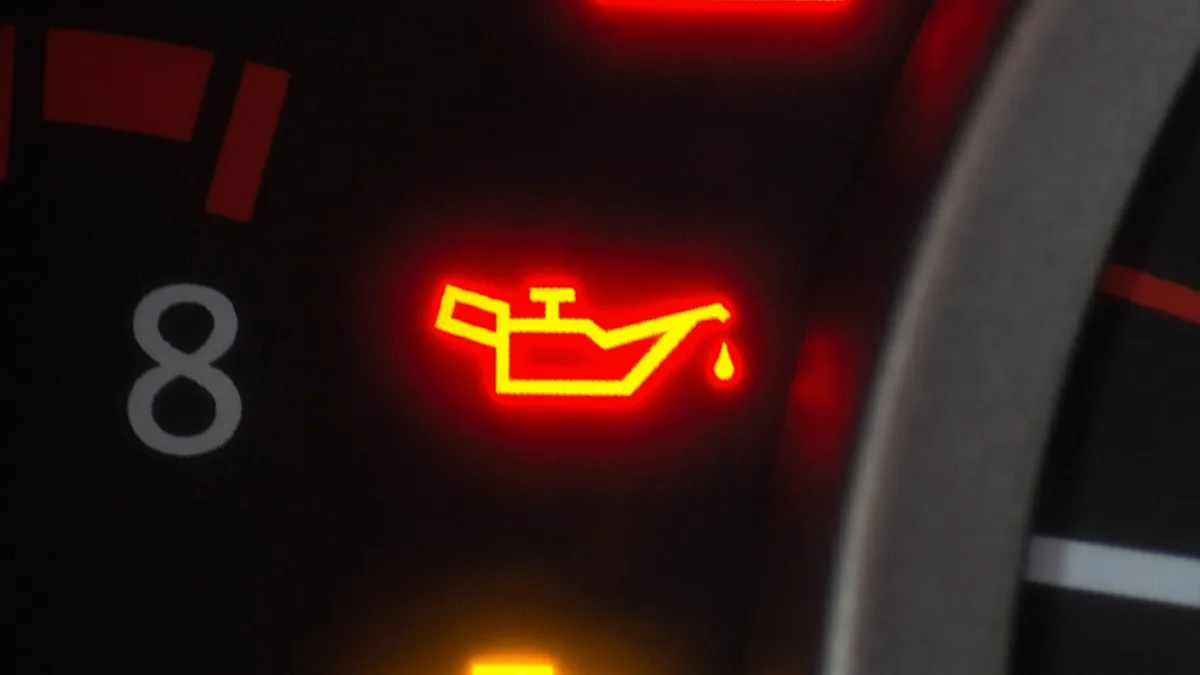
That amber light or wrench is different from the red oil-can pressure warning. The red one means stop the engine immediately. The oil life reminder just means schedule a change soon.
The 30-Second Reset: What Works on Almost Every Car
There's a universal reset sequence that works on a surprising number of vehicles across Honda, Toyota, Ford, GM, and Nissan. It only works if your car uses the trip stalk or steering wheel menu. Treat it as your first attempt before digging into brand-specific steps.
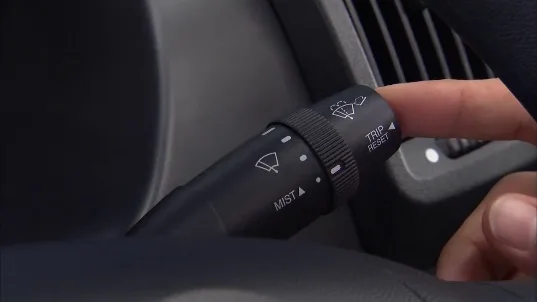
Follow these steps in order:
- Sit in the driver's seat with all doors closed.
- Insert the key and turn ignition to ON (position II). Do not start the engine.
- For push-button start, press the START button twice without touching the brake pedal.
- Press and hold the trip odometer reset stalk for 10 seconds.
- Watch for the oil life display to flash and return to "100%."
- Release the button and cycle the ignition OFF.
- Start the engine and confirm the wrench or oil life message is gone.
If nothing happens after 10 seconds, your vehicle probably needs a menu-based reset through the infotainment or Driver Information Center. Skip ahead to your brand's section.
Before You Reset: Confirm the Oil Was Actually Changed
This part matters. Resetting the light without draining and refilling the oil defeats the entire purpose of the monitoring system. The next warning won't appear until the counter runs down again, so you could go 5,000 extra miles on tired oil.
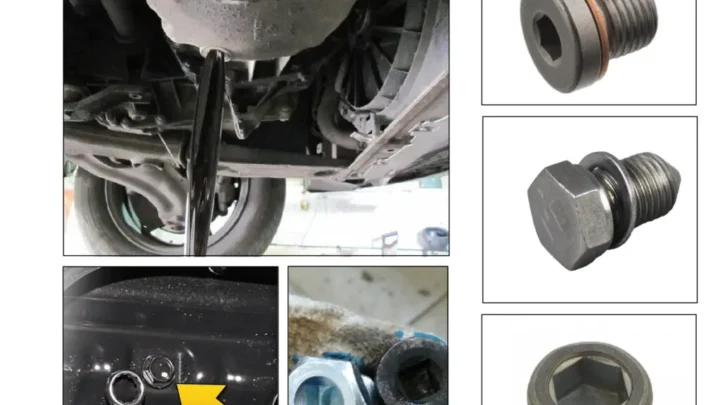
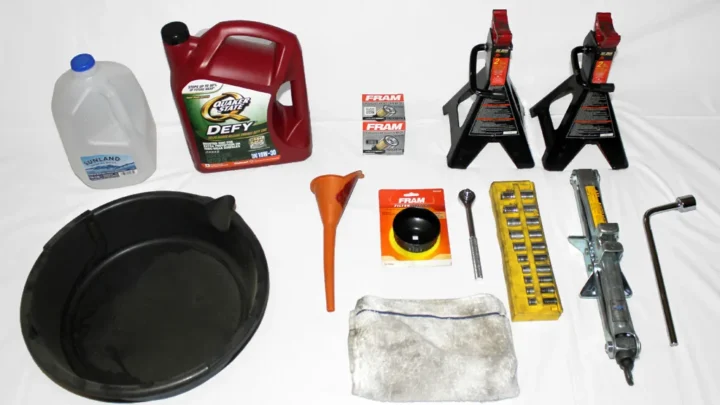
If you're doing the service yourself, run through a proper drain-and-fill first. Our guide on handling an at-home oil change walks through the drain plug torque, filter seating, and correct viscosity. Double-check your fill level with the dipstick before you reset anything.
Two more checks before you touch the reset:
- Confirm the oil filter was swapped and hand-tightened per manufacturer spec.
- Log the mileage in your service records. Warranty claims often require documented change intervals meeting API and ILSAC standards.
Skipping the reset after a real change causes the opposite problem. The system keeps counting down from the old percentage, and you'll get an early warning weeks later.
Figure Out Which System Your Car Uses
Not every car resets the same way because not every car tracks oil life the same way. Look at your dash and identify what you're seeing. That tells you which reset path to follow.
Percentage-Based Oil Life Monitors
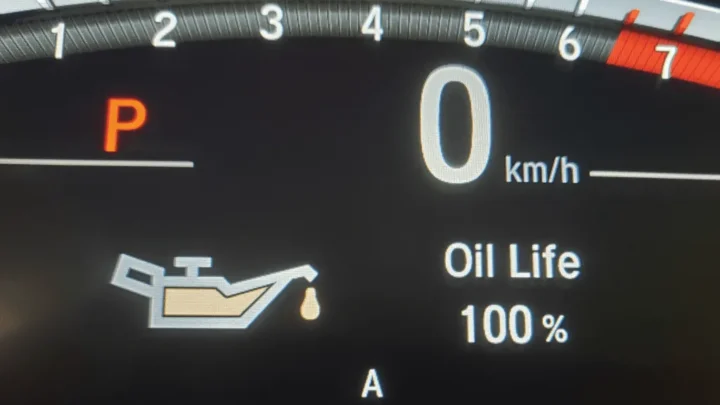
If your dash shows a number ("Oil Life 15%" or "Engine Oil Life 10%"), you have an algorithm-based monitor. Almost every GM vehicle from 2004 onward uses this, along with Honda's Maintenance Minder and Ford's Intelligent Oil-Life Monitor. Reset returns the value to 100%.
Mileage-Interval Reminders
Older Toyotas, some Nissans, and pre-2010 Hondas trip the light purely on odometer miles. The dash usually shows "MAINT REQD" once you cross a fixed 5,000 or 7,500 mile mark. Reset zeroes the counter for the next interval.
Wrench Icon vs. "Maintenance Required" Message
A yellow or amber wrench (used by Ford, Mazda, and some VWs) is a general service reminder, not always tied strictly to oil. A "Maintenance Required" text alert on Toyotas and Lexuses is oil-specific. Modern Honda vehicles pair a wrench with letter and number codes like A1 or B12.
The letter tells you it's time for oil (A) or oil plus a bigger service (B).
How to Reset the Oil Life Light on Honda and Acura
Honda's Maintenance Minder is one of the more forgiving systems. The reset works on most models from 2006 forward. You'll use the SEL/RESET button or the steering wheel controls, depending on trim.
For steering-wheel-menu cars (2013 and newer Accord, Civic, CR-V, Pilot, Odyssey, Acura MDX, RDX, TLX):
- Turn ignition to ON without starting the engine.
- Press the MENU or HOME button on the steering wheel.
- Scroll to Vehicle Settings, then Maintenance Info, then Reset.
- Hold the ENTER or SEL button until the display asks to confirm.
- Select YES. The screen returns to 100%.
For older SEL/RESET stalk cars (2006 to 2012 Civic, Accord, older CR-V):
- Turn ignition to ON, engine off.
- Press the SEL/RESET button until the oil life percentage appears.
- Hold the SEL/RESET button for 10 seconds. The percentage will blink.
- Continue holding another 5 seconds until it resets to 100%.
Manufacturer specs on the Honda Owners portal confirm the reset requires the engine off and the ignition in position II. Cycling the engine mid-reset cancels the sequence.
How to Reset the Oil Life Light on Toyota and Lexus
Toyota uses a straightforward mileage-based system called "Maintenance Required" (MAINT REQD). The reset works on Camry, Corolla, RAV4, Highlander, Tacoma, Tundra, 4Runner, Prius, and most Lexus models with only minor menu differences.
Standard reset procedure:
- Turn ignition to ON without starting the engine.
- Press the trip meter button until the odometer shows "TRIP A."
- Turn the ignition OFF.
- Hold the trip meter button down.
- While holding, turn ignition back to ON.
- Keep holding for 10 to 15 seconds until the odometer displays "000000" and the MAINT REQD light blinks then goes out.
- Release the button and start the engine to confirm.
For newer Toyotas (2020 and up) with the multi-information display, use the steering wheel arrows to reach Settings, then Scheduled Maintenance, then Reset. Confirm with OK.
If the light returns within a few days, you're probably resetting a service reminder instead of the oil counter. Check that the trip display shows "TRIP A" and not "TRIP B" before starting the sequence. That single detail trips up more Toyota owners than any other step.
How to Reset the Oil Life Light on Ford and Lincoln
Ford's Intelligent Oil-Life Monitor covers the F-150, Escape, Explorer, Edge, Bronco, Ranger, Mustang, and every Lincoln built since 2008. The reset method depends on whether your dash has a scroll wheel, arrow buttons, or the SYNC touchscreen.
For the accelerator-and-brake method (works on most 2011 and newer Ford trucks and SUVs):
- Turn ignition to ON, engine off.
- Press the brake and accelerator pedals at the same time.
- Hold both for about 25 seconds.
- Watch the message center. It will show "Oil Reset In Progress," then "Oil Reset Complete."
- Release both pedals.
For steering wheel arrow controls (Ford Fusion, older Escape, Focus):
- Ignition ON, engine off.
- Use the arrows to reach Settings, then Vehicle, then Oil Life Reset.
- Press and hold OK until 100% appears.
SYNC 3 and SYNC 4 touchscreen cars route the reset through Settings, Vehicle, Oil Life Reset on the center screen. Confirm with the checkmark, then cycle the ignition. Manufacturer specs recommend the reset be performed with the transmission in Park and the parking brake engaged.
How to Reset the Oil Life Light on Chevy, GMC, Buick, and Cadillac
Every GM vehicle from 2004 onward uses the Engine Oil Life System, and the reset routes through the Driver Information Center on the instrument cluster. The steps below cover Silverado, Sierra, Equinox, Tahoe, Suburban, Traverse, Enclave, Escalade, CT5, and most Cruze and Malibu models.
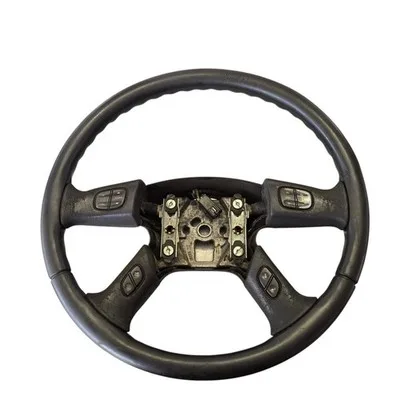
Standard DIC reset (2014 and newer):
- Turn ignition to ON without starting the engine.
- Press the MENU button on the turn signal stalk or steering wheel.
- Scroll to Vehicle Information, then Oil Life.
- Press and hold the SET/CLR button (or the checkmark) for about 5 seconds.
- The display asks to confirm. Select YES.
- The oil life resets to 100%.
For older GM vehicles without a DIC menu, use the gas pedal method:
- Ignition ON, engine off.
- Fully depress the accelerator pedal three times within 5 seconds.
- The Change Engine Oil Soon light will blink then go out.
Aggregate owner reports show the accelerator method still works on Silverados and Tahoes as recent as 2019. Our checklist on vetting a used vehicle before purchase covers verifying that a private-seller reset actually corresponds to a real oil service.
How to Reset the Oil Life Light on Nissan, Hyundai, Kia, and Subaru
These brands split into two camps. Nissan and Subaru mostly use a hold-the-trip-button routine similar to Toyota. Hyundai and Kia lean on the touchscreen or Driver Information cluster menus.
Nissan (Altima, Rogue, Sentra, Pathfinder, Frontier, Titan):
- Ignition ON, engine off.
- Press the SETTINGS button, scroll to Maintenance, then Oil.
- Hold OK for 3 seconds. Confirm reset when prompted.
Subaru (Outback, Forester, Crosstrek, Ascent, Impreza):
- Ignition ON, engine off.
- On the multi-function display, cycle to the Oil Life screen using the "i" button.
- Hold the trip reset stem for 5 seconds until the reading returns to 100%.
Hyundai and Kia (Elantra, Sonata, Tucson, Santa Fe, Sportage, Sorento, Telluride):
- Ignition ON, engine off.
- Cycle through the LCD cluster menu using the steering-wheel arrows to Service Interval.
- Hold the OK button for 5 to 10 seconds until the interval resets to full.
Newer Kia and Hyundai vehicles built after 2022 route this through the touchscreen under Vehicle Settings, Service Interval. Verified buyer feedback confirms the cluster method still works on both trim levels.
Push-Button Start and Hybrid Vehicles: What Changes
Push-button start and hybrid drivetrains complicate the "ignition ON without starting" step that almost every reset procedure requires. On a keyless car, pressing the START button while your foot is on the brake fires up the engine, which cancels the reset sequence.
Here's how to reach ignition ON (accessory position II) without starting:
- Keep your foot OFF the brake pedal.
- Press the START/STOP button once for accessory (ACC).
- Press it a second time for ON (RUN). Dashboard lights illuminate but the engine stays silent.
Hybrids like the Prius, RAV4 Hybrid, Escape Hybrid, and Ford Maverick Hybrid need one more press. Prius and Lexus hybrids reach "IG-ON" mode with the READY light off. If READY appears, the hybrid system is live and the procedure won't complete.
Two more quirks with hybrids and EV-adjacent vehicles:
- Some Toyota hybrids require the shifter in Park before the reset menu becomes selectable.
- Plug-in hybrids may lock out the maintenance menu while the charge cable is connected.
If your reset stalls halfway, cycle the ignition fully OFF, wait 30 seconds, and try again from step one. Most failed resets on modern cars come down to being in the wrong power mode.
Using an OBD-II Scanner to Force a Reset
If the manual reset refuses to complete, an OBD-II scanner with bidirectional service reset functions is your fallback. Basic code readers only clear check engine codes and won't touch the maintenance counter.
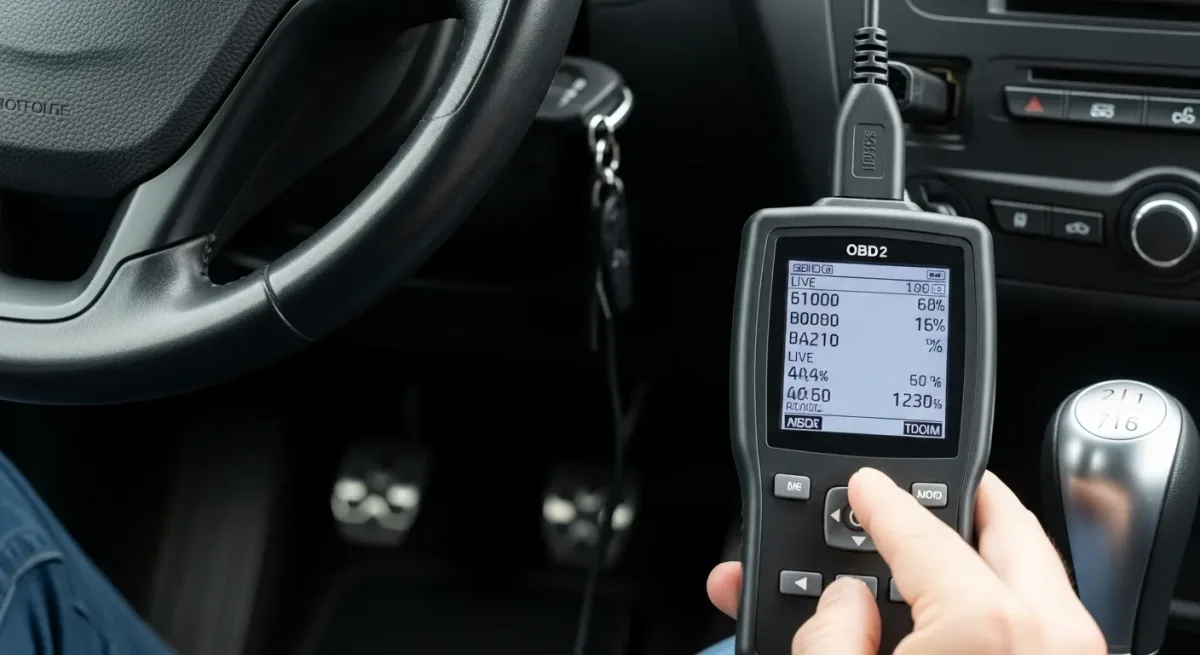
Scanners that reliably reset oil life on most 2010 and newer vehicles:
- Autel MaxiCheck MX808 or MK808
- Launch CRP123X or CRP129E
- BlueDriver Pro (via smartphone app)
- FIXD Premium (limited to certain makes)
The port sits under the driver-side dash within 18 inches of the steering column, per SAE J1962 standards. Plug in with the ignition ON, engine off. Select Service Functions, then Oil Reset.
Choose your make and model, then follow the on-screen confirmation. Most units complete the reset in under 30 seconds and display "Reset Successful" when done.

Similar Posts